Recording: Data and End of Year Rollover Webinar
June 09, 2025
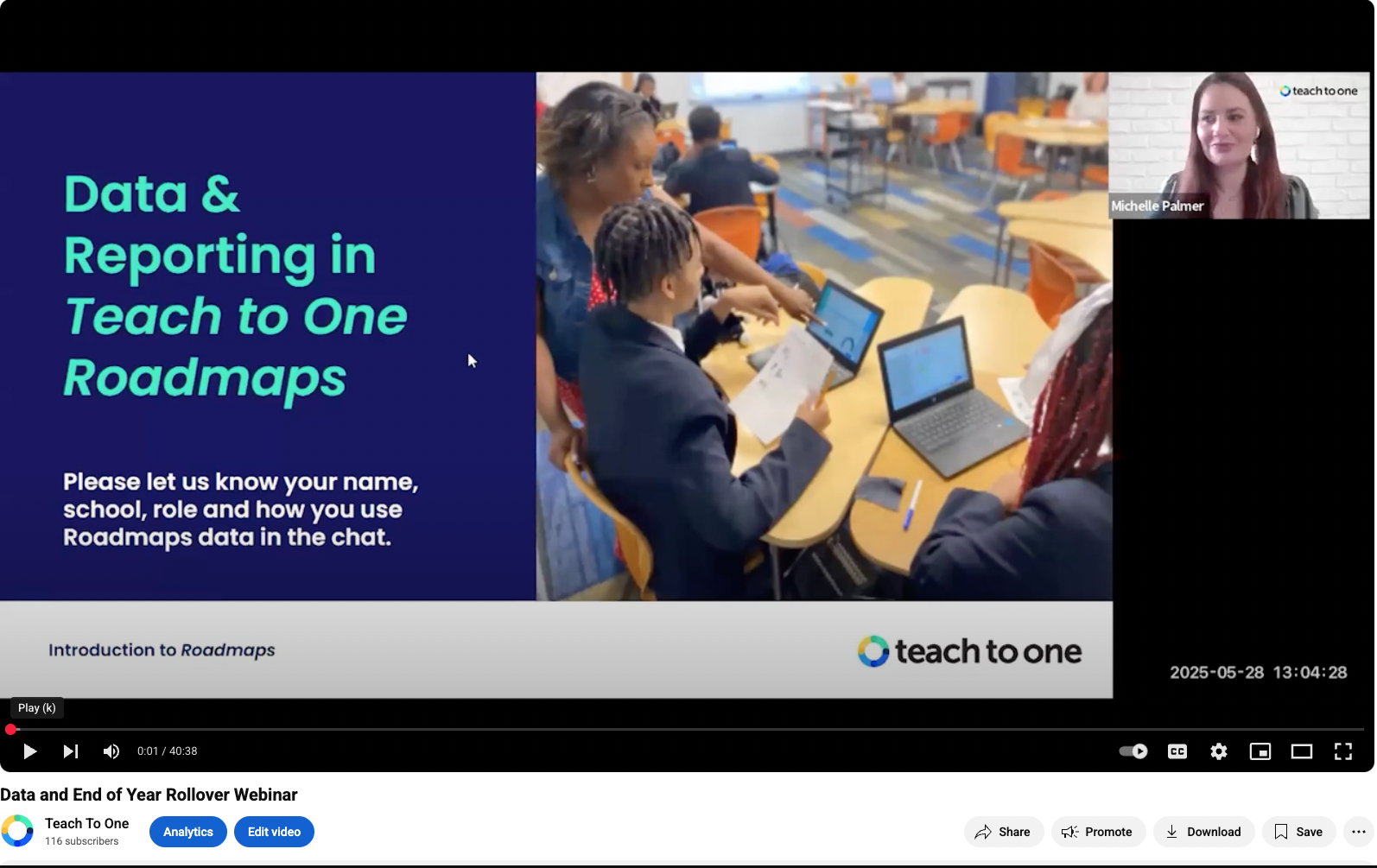
The Data and End of Year Rollover Webinar demonstrates how Teach to One Roadmaps turns classroom data into actionable steps. In this 45-minute webinar recording, Michelle Palmer, Senior Director of Customer Success, and Liat Greenspan, Associate Director of Program Success, explain how to assign a skill or pathway, use the Teacher Dashboard to identify struggling students, leverage the Reports Hub for weekly planning, and monitor growth and engagement on the Progress Page. Links referenced in the webinar:
More resources can be found at the Teacher Resource Hub
Reach out to support4roadmaps@teachtoone.org to schedule time with our team.


Below is the brief synopsis of the webinar:
Skill Assignment: Targeted Practice
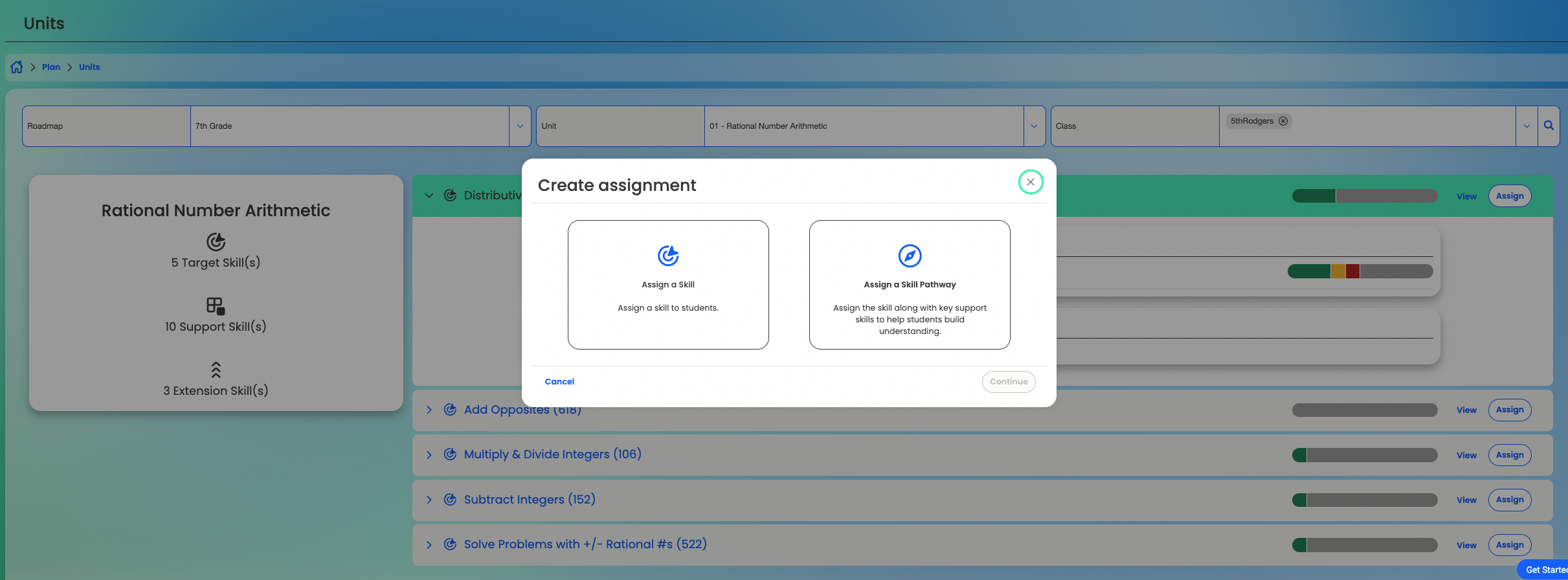
Skill Assignment lets teachers assign skills or skill sequences:
- Assign a Single Skill: After teaching a lesson, you can create an assignment or homework task tied to that exact skill. As students complete it, Roadmaps identifies who needs additional support, allowing you to plan targeted follow-up.
- Assign a Skill Pathway: By assigning a Skill Pathway, teachers can provide students with a structured progression of prerequisite skills, leading up to the target skill. Students work through videos, scaffolded problems, and hands-on activities until they pass each skill, ensuring they have the necessary foundation.
Teacher Dashboard: Daily and Weekly Snapshots
The Teacher Dashboard provides two views:
- Daily Snapshot
- Weekly Snapshot
- Tracks how many skills each student has passed during the week.
- Flags students who have attempted a skill three or more times without passing. Research shows that after three failed attempts, frustration increases and motivation decreases. This alert helps teachers provide one-on-one support before students disengage.
- Goals Met
- Tracks how many skills each student has passed during the week.
Reports Hub: Strategic Planning

The Reports Hub offers downloadable CSV and Excel reports:
- Diagnostic Summary Report: Displays which skills students placed out of and which they still need to pass after the initial diagnostic. This gives a quick overview of class readiness.
- Unfinished Diagnostics Report: Lists students who haven’t completed the diagnostic assessment, ensuring no one is overlooked.
- Detailed Skill Report (Excel):
- Organized by unit or standard, this report displays each student’s status—“placed out,” “in progress,” or “not started”—for every skill.
- For instance, a seventh-grade intervention teacher might find that seven out of 35 students attempted “Multiply and Divide Integers” but didn’t pass, and that many haven’t started “Distributive Property.” The teacher then forms two small groups for targeted lessons—one on integer operations, one on distributive property—and monitors progress by rerunning the report at week’s end.
- Organized by unit or standard, this report displays each student’s status—“placed out,” “in progress,” or “not started”—for every skill.
- Skill Assessment History Report: Tracks every attempt and outcome for each student. Persistent “attempted but not passed” flags reveal patterns where a student may need a change in instructional approach, such as peer tutoring or a focused tutorial video.
Progress Page: Monitoring Growth and Engagement
The Progress Page includes multiple tabs:
- Snapshot Tab
- Growth & Engagement Tab
- Plots mastery data alongside login frequency. If a student logs in frequently but does not make progress, teachers know to adjust resources or instructional methods.
- Plots mastery data alongside login frequency. If a student logs in frequently but does not make progress, teachers know to adjust resources or instructional methods.
- Roadmap Progress by Grade Tab
- Shows how many skills students have mastered across grade levels within the selected roadmap. For a seventh-grade class, teachers can identify who still needs fifth- and sixth-grade skills and who has already caught up.
- Shows how many skills students have mastered across grade levels within the selected roadmap. For a seventh-grade class, teachers can identify who still needs fifth- and sixth-grade skills and who has already caught up.
- Classes Tab
- Summarizes “target” (grade-level) and “predecessor” skills for each student. Teachers can filter by class, grade, or unit to create intervention rosters—for example, grouping students who all need “Distributive Property” next week.
System Roll Over 7/1
- Download Detailed Skill Report
- Plan onboarding date and time for next year
- Meet with our support team support4roadmaps@teachtoone.org
Latest Posts

Building a Culture of Engagement Through Student Agency
Our middle school in the Bronx is always striving to be a place where students can take ownership of their own learning. Often in education, words such as “engagement” and “agency” are just overused buzzwords—but at the South Bronx Early College Academy (SBECA), we believe this mindset is crucial for adolescent learning.
Data-Informed Instruction: A Formula for Success
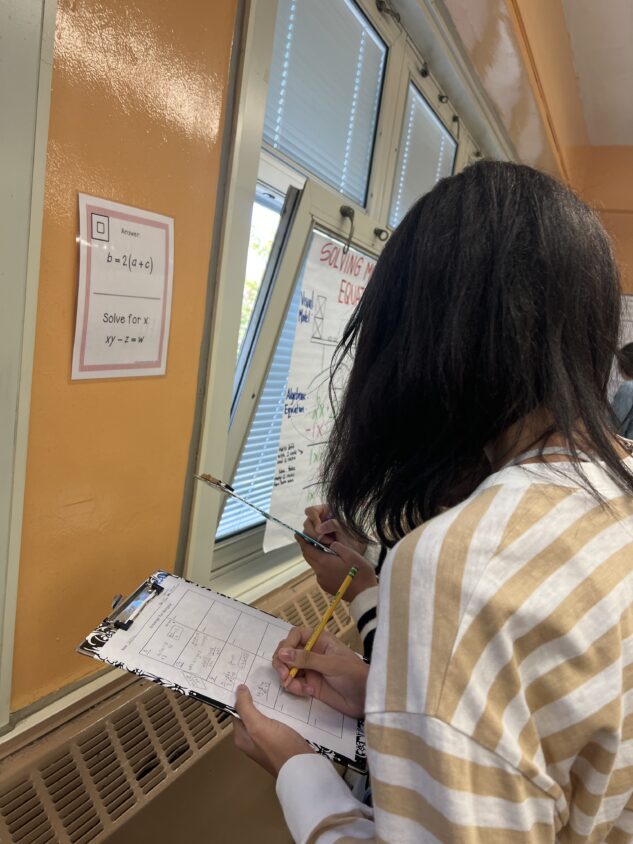
In my classroom, kids don’t need more work—they need the right work. By using quick formative assessments like exit slips at the end of each class, I gather real-time data to guide flexible, responsive grouping for the following week. It’s all about solving for what students need, not just assigning pages from the book.

Inside the Roadmaps Impact Study: Using Data to Validate What Works — and Inform How You Teach
The Impact Study shows how personalized learning translates into outcomes on trusted benchmarks. Because Roadmaps tracks each student’s demonstrated math skills and progress toward proficiency, the analysis shows how time spent in Roadmaps and completing skills leads to evidence of real learning.
